
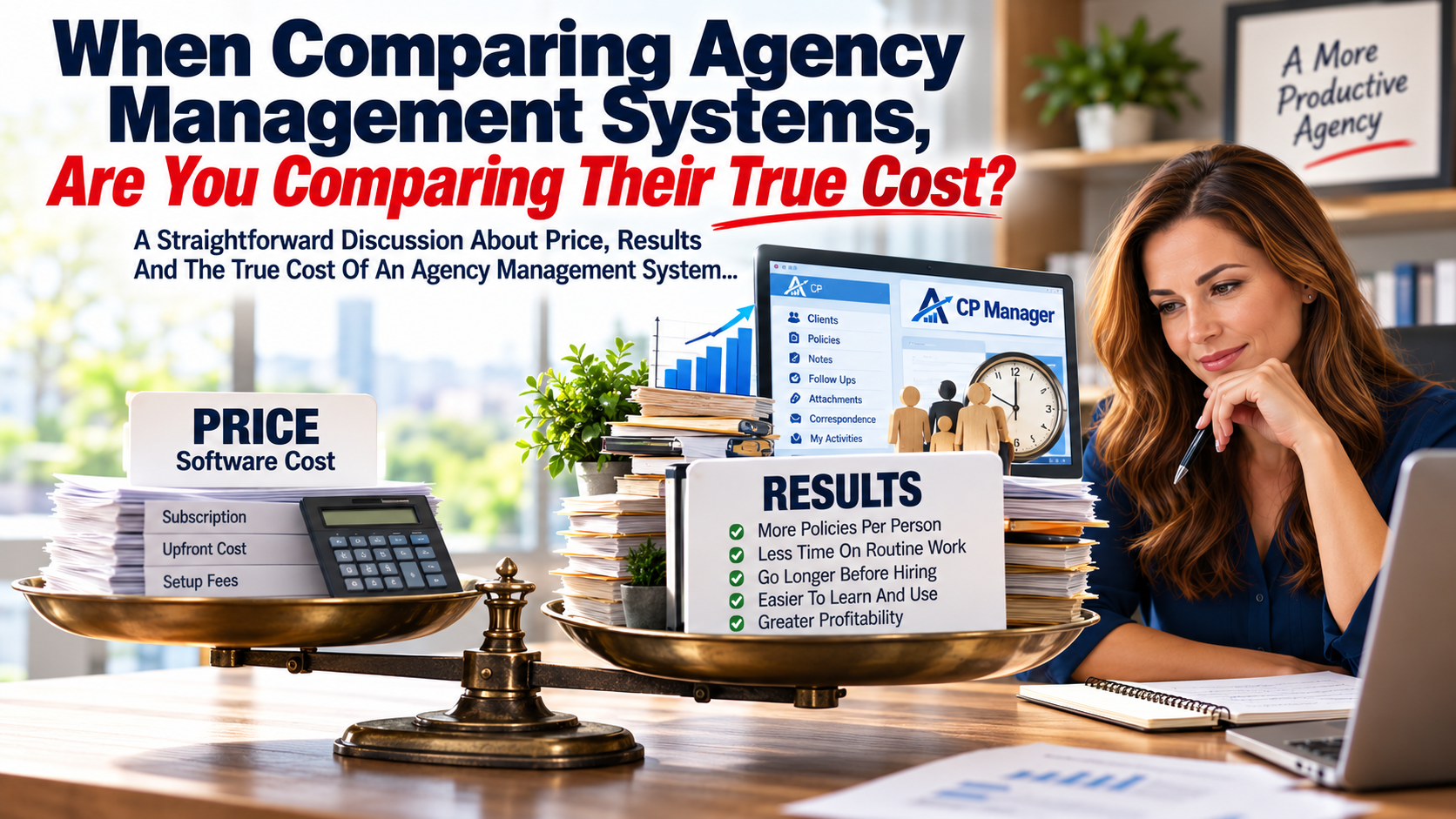
When Comparing Agency Management Systems, Are You Comparing Their True Cost?
A Straightforward Discussion About Price, Results And The True Cost Of An Agency Management System...
When agencies compare management systems, price naturally matters. And it should.
But the monthly subscription and upfront cost is only one part of what a management system actually costs your agency.
Two much bigger financial factors may be:
- How much staff time and expense it takes to learn and use the system, and
- How much work each person can efficiently handle each day.
When you look at management systems, they'll all manage clients and policies and include Notes, Follow Ups, Attachments, Correspondence and other core features your staff needs to do their work. Some will have very long feature lists.
That doesn't mean all systems are equal in the amount of work your staff can process each day. In fact, this is one of the biggest things that separates one system from another.
And that's where comparing management systems based primarily upon price can become very expensive.
A Less Expensive System Can Cost You More
Suppose Management System "A" costs your agency $300 less per month than Management System "B". That's $3,600 a year.
On the surface, System "A" appears to be the better financial decision.
But what if System "B" allowed your staff to be just 10% more productive? Or 20%?
What if your CSRs could manage larger books of business, get more work done during the day and allow your agency to go longer before needing to hire another employee?
Suddenly that $3,600 difference in software cost becomes a very small part of the financial equation.
This was one of the lessons I learned many years ago working with insurance agencies.
The purchase price of an agency management system tells you what you're paying for the software. It doesn't tell you what the software costs your agency to use.
This doesn't mean a highly productive management system has to be expensive.
In fact, one of our goals with CP Manager has been to keep it affordable enough for smaller agencies with tighter budgets—because those are often the agencies who need to be able to get more work done with the staff they already have. When every additional hire is a major expense and every purchase for the agency must be calculated, that matters a lot.
Let's Put Some Numbers To It
Let's use an agency with five CSRs. Let's assume each CSR represents approximately 168 working hours per month.
That's roughly 840 staff hours every month.
Now let's suppose a different management system allows those same employees to get 20% more work done with the same amount of staff time.
That's the equivalent of approximately:
168 additional hours of work every month.
2,016 hours every year.
That's essentially one full-time employee's worth of additional work from the staff already on your payroll.
At $30 per hour in employee cost, those 168 hours represent approximately: $5,040 per month. That's $60,480 per year.
Now compare that with a difference of a few hundred dollars per month in software cost.
Which number deserves more attention?
That's why the least expensive management system isn't necessarily the system that costs your agency the least.
And it's also why the most expensive system isn't automatically the best value.
Price matters.
Results matter more.
But How Can One Management System Make Staff More Productive Than Another?
This is where feature comparisons can become misleading.
Suppose two systems both have Notes. Check.
Both have Follow Ups. Check.
Both have Attachments and Correspondence. Check. Check.
Looking at a feature comparison, they're equal.
But that's the wrong comparison.
The better question is: How effectively are those features integrated into the work your staff performs every day?
- Does your CSR have to leave what they're doing to find the feature?
- Does information already entered somewhere else have to be entered again?
- How many screens or windows do they have to move through?
- How many steps does it take to complete a routine task?
- Can they easily stay on top of work in progress?
- When they're interrupted by another client, how much work does it take to get back to where they were?
Individually, these may represent only seconds or minutes.
Thirty seconds here. Three minutes there.
Multiply those little inefficiencies across dozens of tasks, several employees, five days a week and fifty-two weeks a year.
Now you're talking about real money.
Properly automating an agency isn't merely having somewhere to store client and policy information. It's about processing your day-to-day work in the least amount of steps and time!
And that's where productivity directly affects agency profitability.
Increased productivity comes from information flowing through the system, proper workflows, fewer keystrokes, easier navigation, ease of use and eliminating unnecessary duplicate work.
This Is Why CP Manager Was Designed Around Workflows
When we designed CP Manager, we didn't begin by creating a list of features and then figuring out how agency employees could use them.
We started with the work, to include dissecting the CSRs job.
- How does an agency actually process a renewal? An endorsement? A new application? A claim? A certificate?
- What information does the CSR already have?
- Where should that information automatically be available?
- What does the CSR need next?
- How many unnecessary steps and windows can we eliminate?
That strategizing became the foundation of CP Manager. It's also how the My Activities Dashboard was born—bringing work in progress together in one place so the CSR can see what needs their attention.
It's why Notes, Follow Ups, Correspondence and Attachments are integrated throughout the system rather than simply existing as separate features.
It's why we emphasize single-entry wherever possible.
It's why browser tabs and separate windows can allow a CSR to handle an interruption without closing the work they were already doing.
And it's why seemingly small improvements throughout a management system can collectively make a very large difference in how much work your staff can accomplish.
For A Small Agency, This Matters Even More
If you have one, two or three people servicing your book of business, hiring another employee isn't a small expense. It can be a major financial decision.
So the question isn't simply: “How much does this management system cost per month?”
Another question deserves to be asked: “How large a book of business can each person efficiently manage using it?”
If a more productive management system helps each employee handle more clients and policies, process their work faster and stay on top of work in progress more efficiently, your agency may be able to grow considerably further before another CSR becomes necessary.
For a smaller agency where cash flow matters tremendously, delaying that next hire can dwarf the difference in software price.
And when you eventually do hire someone, there's another cost that matters: How much time and money will it take to teach them the system?
A management system that's difficult to learn doesn't just frustrate employees, it consumes the time of the person being trained and the experienced employee doing the training.
Ease of use has an economic value too.
And it doesn't stop with CSRs. If producers have to spend more time learning the system or fighting with it to enter and access information, that's time they're not spending selling and writing business.
Productivity affects both sides of the agency—servicing the business and producing it.
There are other costs smaller agencies should consider as well.
Because CP Manager is browser-based, you don't need expensive, high-powered computers just to run the management system, and multiple users don't require a local network to access CP Manager. Those technology and infrastructure costs are easy to overlook when comparing the price of one management system to another.
Don't Compare Price Until You Compare Results
I'm not suggesting price doesn't matter. It absolutely does.
I'm suggesting that price without results is an incomplete comparison.
If System "A" costs $300 less each month but System "B" allows your existing employees to handle considerably more work, which system is actually less expensive?
If one allows you to delay hiring another CSR for six months, a year or longer, what is that worth?
If one reduces training time whenever you hire someone new, what is that worth?
If one gives your staff back even 30 minutes every day, what is that worth across your entire agency?
Those are the numbers that belong beside the subscription price.
Don't Take Our Word For It. Run Your Own Numbers
We've created a Productivity Calculator specifically for this reason.
Put in the number of CSRs in your agency.
Look at what a 10%, 20% or 30% increase in productivity could mean.
See the additional hours your existing staff could potentially handle.
Then put a dollar value on those hours.
You may discover that the price of your management system is one of the smallest numbers you should be comparing.
RUN YOUR AGENCY'S NUMBERS → Productivity Calculator
And if the numbers make you curious about where those productivity differences can actually come from, spend about 45 minutes with us in a CP Manager Productivity Walk-Through.
Don't just ask us what features CP Manager has. Compare how the work actually gets done.
See how the features are integrated throughout CP Manager to help your staff handle their daily work more efficiently.
That's where you'll see the difference between comparing price—and comparing results.